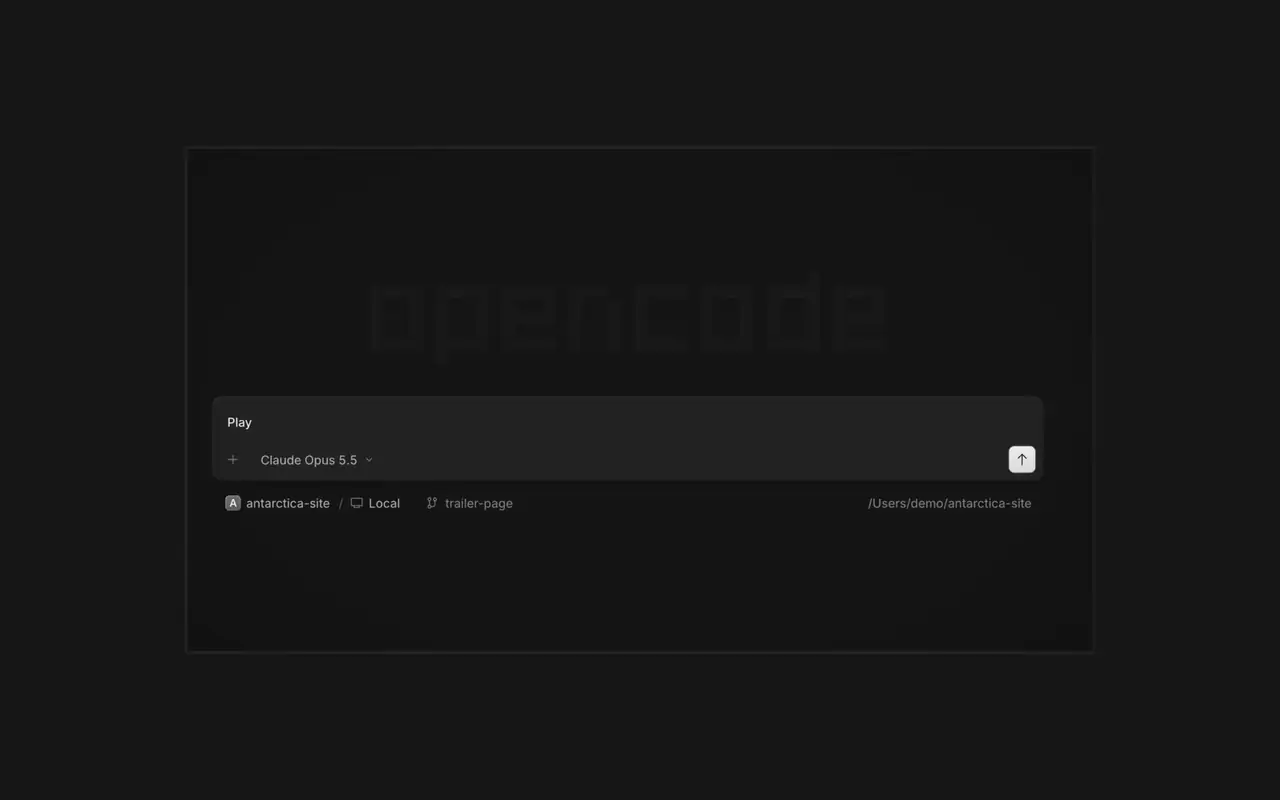

Paralel ajanlar
İstediğiniz kadar ajan başlatın ve hepsinin paralel çalışmasına izin verin. Bitirdikçe aralarında geçiş yapın.
İstediğiniz kadar ajan başlatın ve hepsinin paralel çalışmasına izin verin. Bitirdikçe aralarında geçiş yapın.

Uygulamanız ajanın yanında bir tarayıcıda açılır, böylece ikiniz de her değişikliği anında görürsünüz.

Tüm cihazlarınızda ajan başlatın ve masaüstü uygulamasından, terminalden ya da telefonunuzdan devam edin.
Araçlarınızı ve hizmetlerinizi bağlayın, ajan her şeyle çalışabilsin. Ya da OpenCode'un kendisi için kenar çubuğunda kendi arayüzü olan eklentiler yapmasını sağlayın.
Right-click a side panel tab and choose Close tabs to the right. ⌘W now closes side panel tabs wherever focus is, ⌥⌘W or Ctrl+Alt+W always closes the session tab, and ⌘⇧T reopens the last closed tab of either kind where it was.#62922
Open the menu on a tab, Home row, project row or inbox card and choose Mark as unread to keep its dot until you next visit.#62889
Ctrl+Shift+R toggles the review panel again instead of reloading the window.#62567On phones and tablets, composer actions now sit in a touch dock above the keyboard with larger buttons.#61773
v2.2.6 sürümünün tüm öne çıkanlarını görPress ⌘⌥O on macOS or Ctrl+Alt+O on Windows and Linux to choose a worktree, and ⌘⌥B or Ctrl+Alt+B to choose its base branch. ⌘⇧X or Ctrl+Shift+X now toggles shell mode in the composer.#60713
Hold ⌘ or Ctrl in the quote popup to turn its checkmark into send, or press ⌘Enter or Ctrl+Enter, to send just that quote and comment while leaving the rest of the composer untouched.#60640