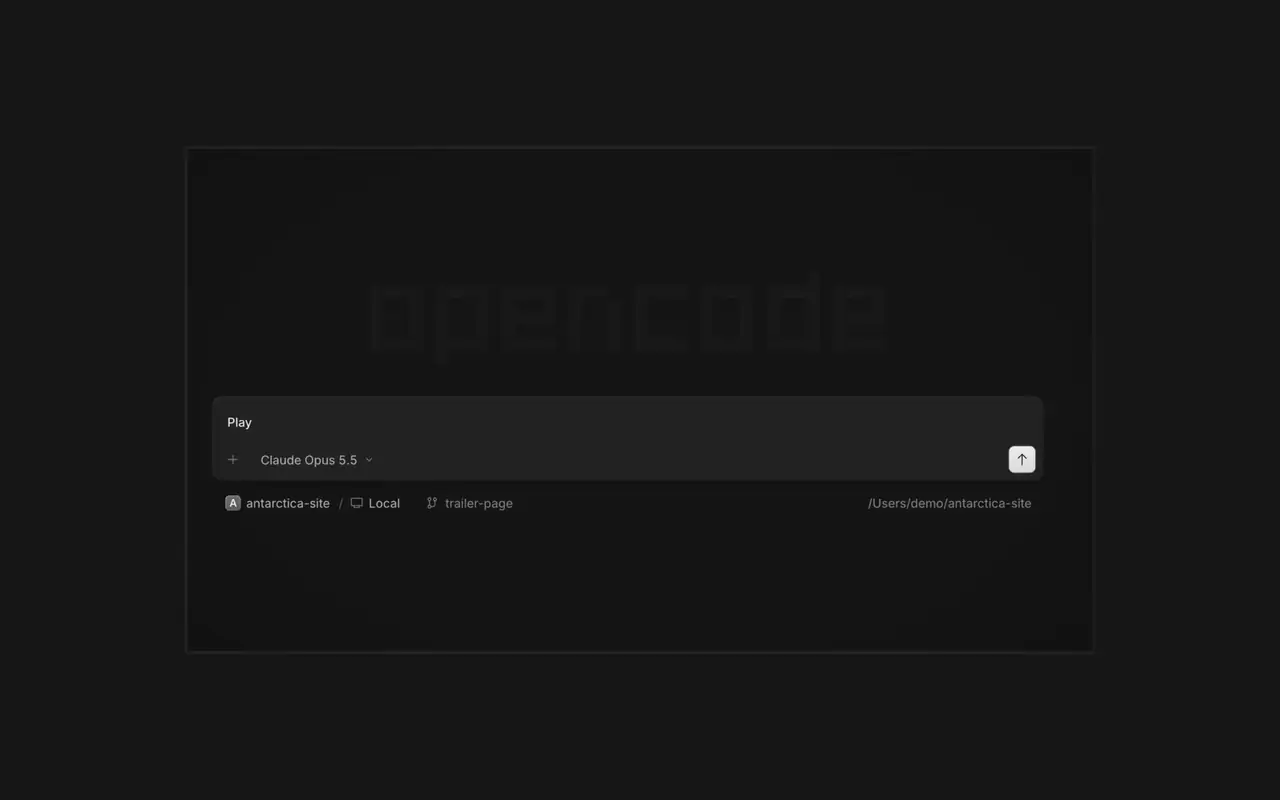

Agentes em paralelo
Inicie quantos agentes quiser e deixe todos trabalharem em paralelo. Alterne entre eles conforme terminam.
Inicie quantos agentes quiser e deixe todos trabalharem em paralelo. Alterne entre eles conforme terminam.

Seu app abre em um navegador ao lado do agente, então vocês dois veem cada mudança chegar.

Inicie agentes em todos os seus dispositivos e retome-os pelo app desktop, pelo terminal ou pelo celular.
Conecte suas ferramentas e serviços para o agente trabalhar com qualquer coisa. Ou peça ao OpenCode para criar plugins para si mesmo, com interface própria na barra lateral.
Right-click a side panel tab and choose Close tabs to the right. ⌘W now closes side panel tabs wherever focus is, ⌥⌘W or Ctrl+Alt+W always closes the session tab, and ⌘⇧T reopens the last closed tab of either kind where it was.#62922
Open the menu on a tab, Home row, project row or inbox card and choose Mark as unread to keep its dot until you next visit.#62889
Ctrl+Shift+R toggles the review panel again instead of reloading the window.#62567On phones and tablets, composer actions now sit in a touch dock above the keyboard with larger buttons.#61773
Ver todos os destaques da v2.2.6Press ⌘⌥O on macOS or Ctrl+Alt+O on Windows and Linux to choose a worktree, and ⌘⌥B or Ctrl+Alt+B to choose its base branch. ⌘⇧X or Ctrl+Shift+X now toggles shell mode in the composer.#60713
Hold ⌘ or Ctrl in the quote popup to turn its checkmark into send, or press ⌘Enter or Ctrl+Enter, to send just that quote and comment while leaving the rest of the composer untouched.#60640