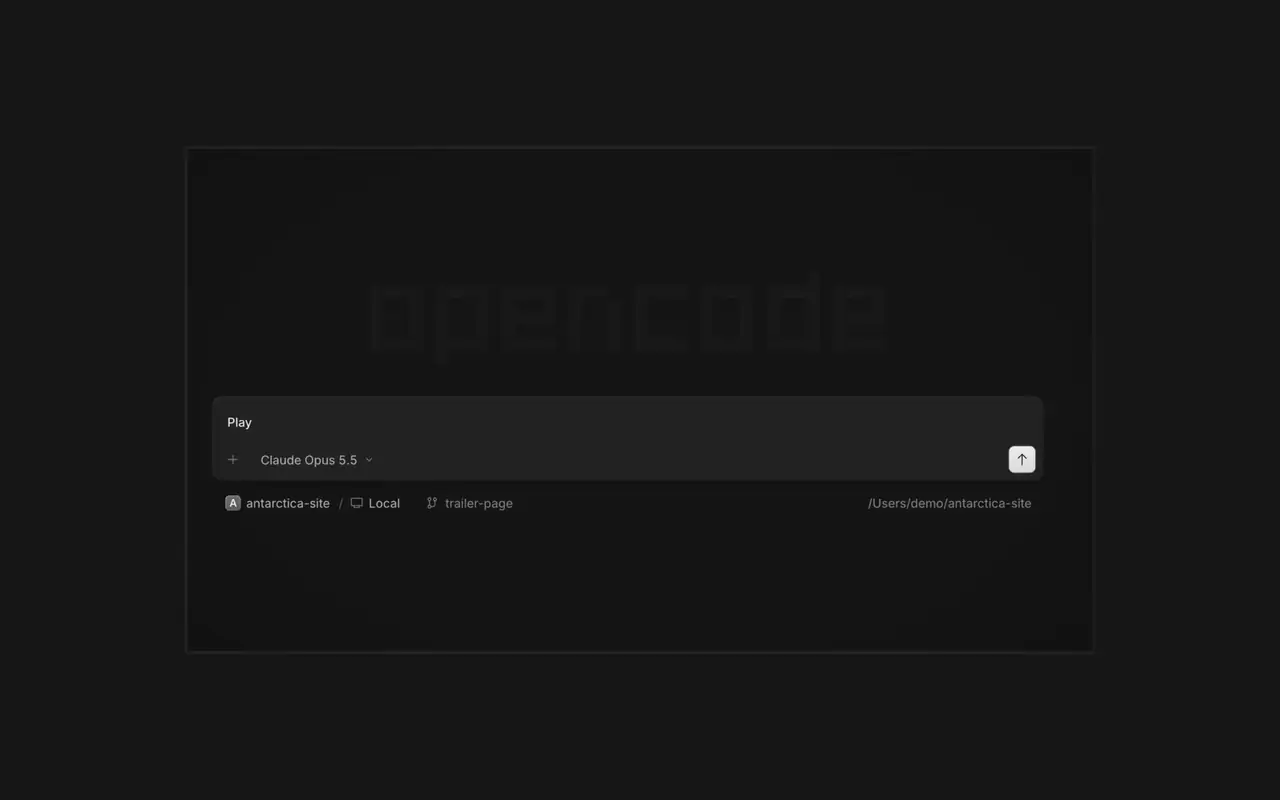

Agenci równolegle
Uruchom tylu agentów, ilu chcesz, i pozwól im pracować równolegle. Przełączaj się między nimi, gdy kończą.
Uruchom tylu agentów, ilu chcesz, i pozwól im pracować równolegle. Przełączaj się między nimi, gdy kończą.

Twoja aplikacja otwiera się w przeglądarce obok agenta, więc oboje widzicie każdą zmianę na bieżąco.

Uruchamiaj agentów na wszystkich swoich urządzeniach i kontynuuj w aplikacji desktopowej, terminalu lub na telefonie.
Podłącz swoje narzędzia i usługi, aby agent mógł pracować ze wszystkim. Albo pozwól OpenCode zbudować wtyczki dla samego siebie, z własnym interfejsem w panelu bocznym.
Right-click a side panel tab and choose Close tabs to the right. ⌘W now closes side panel tabs wherever focus is, ⌥⌘W or Ctrl+Alt+W always closes the session tab, and ⌘⇧T reopens the last closed tab of either kind where it was.#62922
Open the menu on a tab, Home row, project row or inbox card and choose Mark as unread to keep its dot until you next visit.#62889
Ctrl+Shift+R toggles the review panel again instead of reloading the window.#62567On phones and tablets, composer actions now sit in a touch dock above the keyboard with larger buttons.#61773
Zobacz wszystkie najważniejsze zmiany w v2.2.6Press ⌘⌥O on macOS or Ctrl+Alt+O on Windows and Linux to choose a worktree, and ⌘⌥B or Ctrl+Alt+B to choose its base branch. ⌘⇧X or Ctrl+Shift+X now toggles shell mode in the composer.#60713
Hold ⌘ or Ctrl in the quote popup to turn its checkmark into send, or press ⌘Enter or Ctrl+Enter, to send just that quote and comment while leaving the rest of the composer untouched.#60640