К содержимому

Desktop

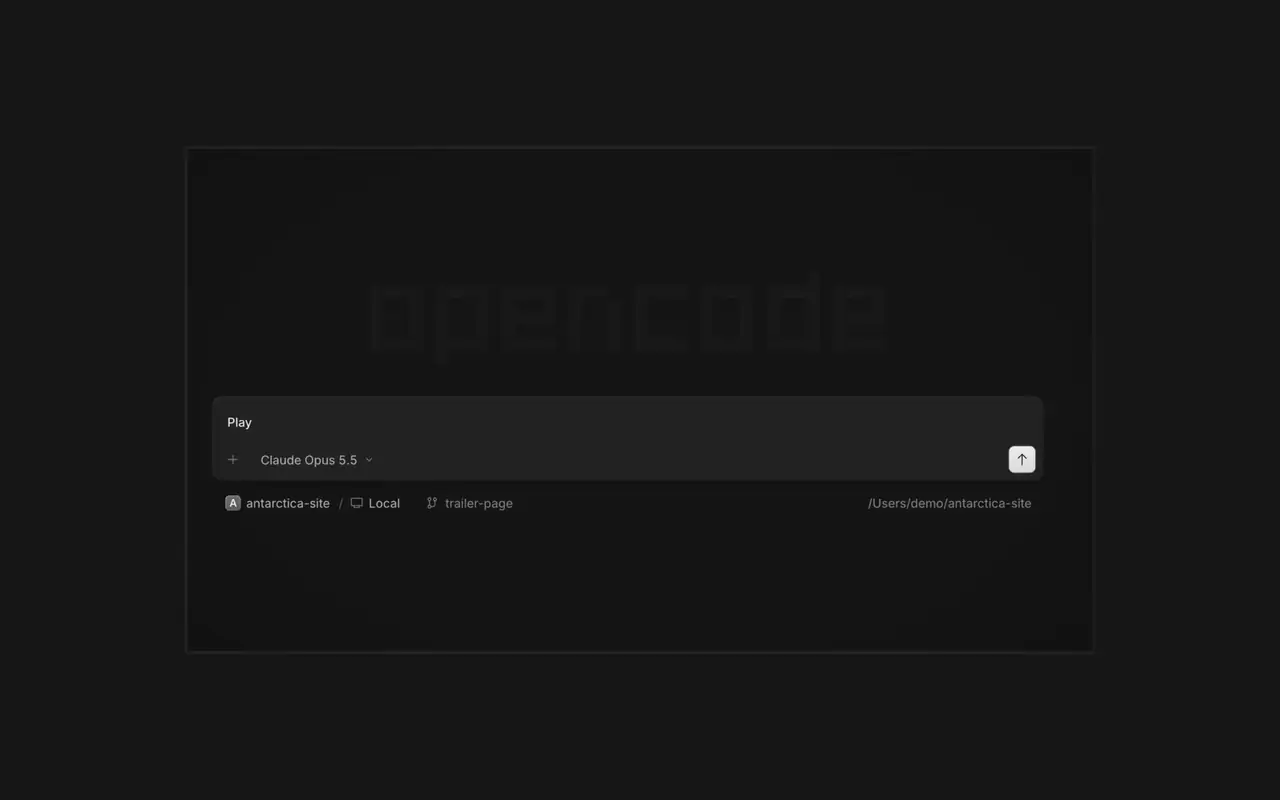
Запускайте несколько агентов сразу, каждую сессию в своей вкладке. Смотрите каждое изменение как дифф, комментируйте любую строку и проверяйте результат во встроенном браузере. Для macOS, Windows и Linux.

Возможности

Параллельные агенты

Запускайте сколько угодно агентов, и пусть все они работают параллельно. Переключайтесь между ними по мере готовности.

Результат в браузере

Ваше приложение открывается в браузере рядом с агентом, и вы оба видите каждое изменение сразу.

На любом устройстве

Запускайте агентов на всех своих устройствах и продолжайте в десктопном приложении, терминале или на телефоне.

Расширяйте

Подключите свои инструменты и сервисы, чтобы агент мог работать с чем угодно. Или попросите OpenCode создать плагины для самого себя, со своим интерфейсом в боковой панели.

Список изменений

  1. v2.2.7

    Side Panel Tab Shortcuts

    Right-click a side panel tab and choose Close tabs to the right. ⌘W now closes side panel tabs wherever focus is, ⌥⌘W or Ctrl+Alt+W always closes the session tab, and ⌘⇧T reopens the last closed tab of either kind where it was.#62922

    Mark Sessions Read or Unread

    Open the menu on a tab, Home row, project row or inbox card and choose Mark as unread to keep its dot until you next visit.#62889

    Все главные изменения v2.2.7

    Улучшения

    • DesktopThe answer you pick in the question dock shows as a raised card.#62896
    • DesktopInline rename and custom-answer fields no longer show a focus border.#62919

    Исправления

    • DesktopOn Windows and Linux, Ctrl+Shift+R toggles the review panel again instead of reloading the window.#62567
    • DesktopClosing the last side panel tab slides the panel shut.#62758
    • DesktopSelects, menus, tooltips and toasts opened from a dialog are reachable by screen readers.#62913
    • DesktopAn error appears when a path can't be opened in its default app.#62572
    Ещё 3 исправления
  2. v2.2.6

    Mobile Composer Dock

    On phones and tablets, composer actions now sit in a touch dock above the keyboard with larger buttons.#61773

    Все главные изменения v2.2.6

    Улучшения

    • DesktopAdded close-other-tabs and close-tabs-after actions to the tab menu.#61631
    • DesktopAdded unread-session grouping in Inbox and failed-run indicators on tabs.#61691#62077
    • DesktopMCP sign-in now accepts a pasted redirect URL when automatic redirection is unavailable.#61706
    • DesktopMarkdown file previews now display frontmatter as a properties list.#60333
    Ещё 2 улучшения

    Исправления

    • DesktopImproved prompt submission and timeline behavior during loading, reconnects, retries, scrolling, compaction, and optimistic delivery.#62025#62037#61932#62151
    • DesktopSurface loading and offline failures in review previews, file search, details, Word pages, and review diffs instead of showing empty or clean results.#62114#61862
    • DesktopFixed provider connection, MCP sign-in, settings, and plugin loading flows that could become stuck after failures.#62102#61917#61580
    • DesktopPreserve drafts, focus, caret position, queued prompts, and selected terminal tabs across failed or concurrent transitions.#61579#61969#61852
    Ещё 6 исправления
  3. v2.2.5

    Worktree and Shell Mode Shortcuts

    Press ⌘⌥O on macOS or Ctrl+Alt+O on Windows and Linux to choose a worktree, and ⌘⌥B or Ctrl+Alt+B to choose its base branch. ⌘⇧X or Ctrl+Shift+X now toggles shell mode in the composer.#60713

    Send Quotes From the Comment Popup

    Hold ⌘ or Ctrl in the quote popup to turn its checkmark into send, or press ⌘Enter or Ctrl+Enter, to send just that quote and comment while leaving the rest of the composer untouched.#60640


    Все главные изменения v2.2.5

    Улучшения

    • DesktopAdded flat input surfaces and a compact input size.#60598

    Исправления

    • Terminal, DesktopThe connect menu no longer lists MCP servers, which are managed in their own place.#60675
    • DesktopAdded the missing top inset to the search field in the recently closed menu.#60652
Все обновления