跳到主要內容

Terminal

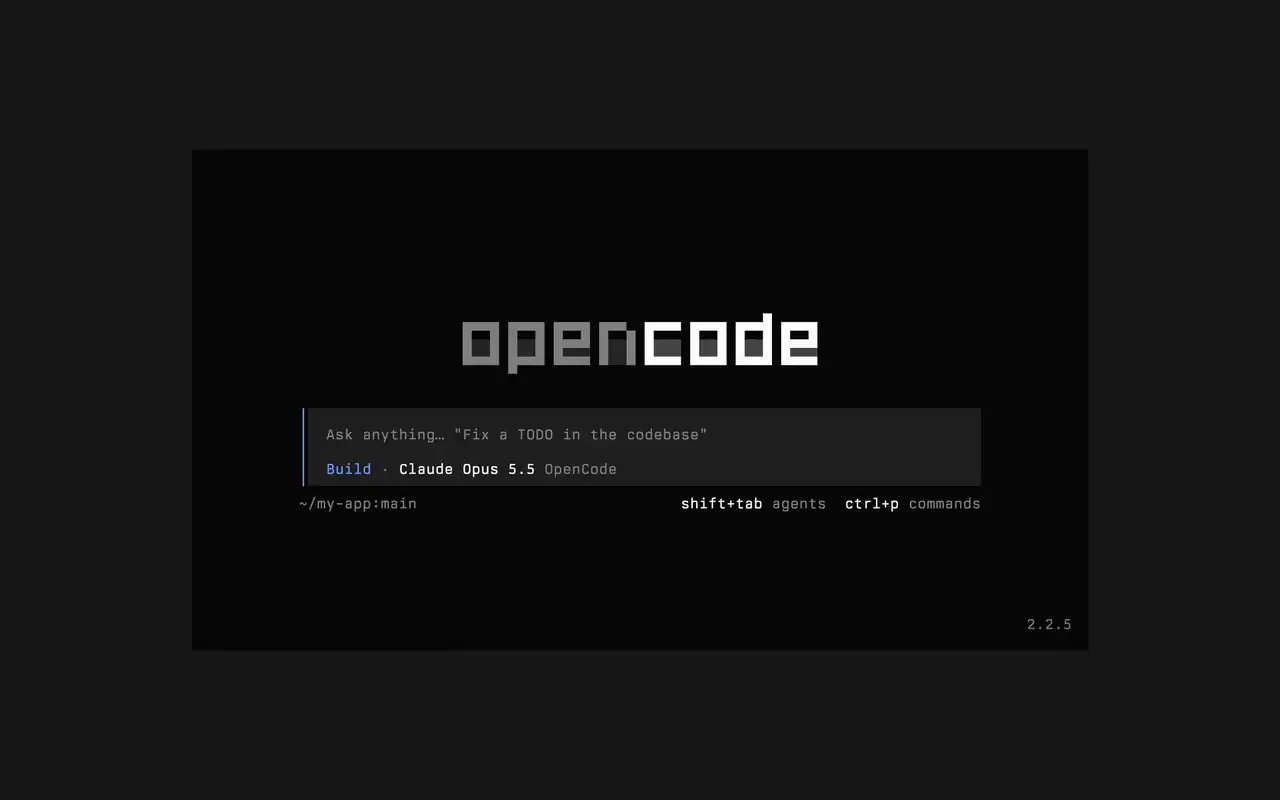
快速的終端機介面,可在任何 shell、編輯器或遠端伺服器中使用。用日常語言描述需求,看著每處編輯以 diff 呈現,並選擇哪些指令可以自動執行。

功能

用日常語言提問

輸入你的需求,代理會在工作時展示計畫。

核准要執行的內容

編輯以 diff 顯示,指令會等待你的許可。

隨心打造

一鍵切換主題,從預設主題到 tokyonight 等。

Mini

執行 opencode mini,回覆會輸出到你自己的捲動紀錄中。

  • 任何終端機可在任何 shell、編輯器的終端機或遠端伺服器中使用。
  • 時間軸中的 diff代理每做一處編輯,都會以 diff 顯示在時間軸中。
  • 稍後繼續用 -c 繼續上一個工作階段,或用 -s 繼續任何工作階段。
  • 單次執行opencode run 傳送一則訊息並輸出回覆。
  • 代理與指令用 shift+tab 切換代理,用 ctrl+p 開啟所有指令。
  • 自動核准以 --auto 執行,即可允許所有你未拒絕的動作。
  • 任何伺服器使用 --server 透過 URL 連線到 OpenCode 伺服器。
  • 使用統計opencode stats 顯示可分享的使用統計。

  • curlcurl -fsSL https://opencode.ai/v2/install | bash
  • npmnpm install -g @opencode/cli
  • bunbun install -g --trust @opencode/cli
  • brewbrew install anomalyco/tap/opencode-v2
  • paruparu -S opencode-beta

更新日誌

  1. v2.2.7

    The update and confirm dialogs have buttons you can move between with ←/→ and Tab/Shift+Tab

    查看 v2.2.7 的所有亮點

    改進

    • TerminalThe model picker no longer has a Usage action; use /usage instead.#62927

    修正

    • TerminalSession exports are saved in the current working directory instead of the system temp folder.#62253
    • TerminalTyping a child session's exact ID in the open-session menu lists that session.#62262
    • TerminalThe TUI follows the terminal's current light or dark mode instead of a cached palette.#62248
  2. v2.2.6

    Added Scroll on send in Settings

    Added Scroll on send in Settings. Choose Keep (session.submit_scroll: "keep") to retain your reading position after submitting a prompt.#61460

    查看 v2.2.6 的所有亮點

    修正

    • TerminalAllow Ctrl+Z to suspend OpenCode while a form or dialog is open.#62118
    • TerminalKeep focus on an open dialog when a question arrives and contain plugin dialogs that throw during rendering.#60365#62110
    • TerminalShow an error when Ctrl+V cannot read the clipboard. Thanks @jimmyallinai.#61094
    • TerminalPrevent session titles containing newlines from crashing the TUI. Thanks @vishalshekhar.#57523
    還有 6 項 修正
  3. v2.2.5

    The connect menu no longer lists MCP servers

    The connect menu no longer lists MCP servers, which are managed in their own place.#60675

    查看 v2.2.5 的所有亮點


查看所有更新