Vai al contenuto

Terminal

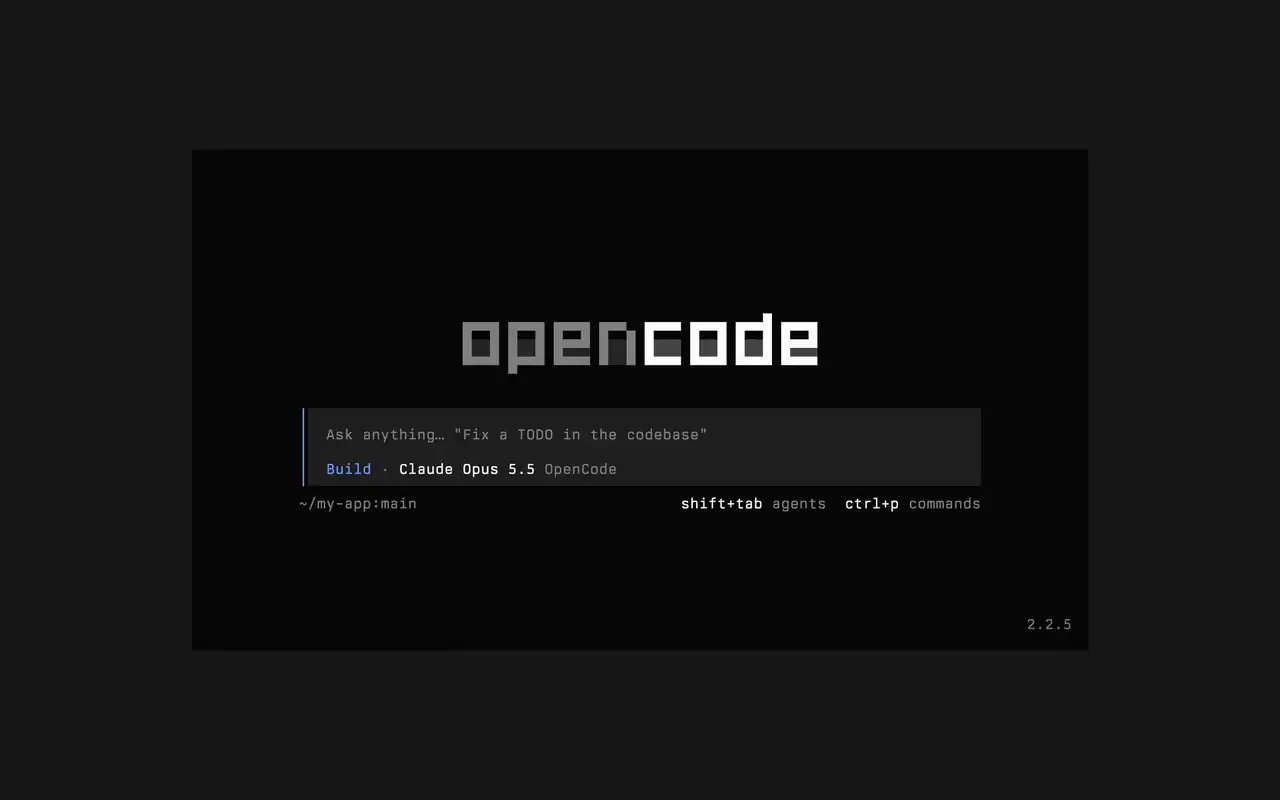
Un'interfaccia da terminale veloce che funziona in qualsiasi shell, editor o server remoto. Descrivi cosa vuoi a parole tue, guarda ogni modifica arrivare come diff e scegli quali comandi partono da soli.

Funzionalità

Chiedi a parole tue

Scrivi cosa vuoi, e l'agente mostra il suo piano mentre lavora.

Approva i comandi

Le modifiche appaiono come diff e i comandi aspettano il tuo permesso.

Fallo tuo

Cambia tema con un tasto, da quello predefinito a tokyonight e altri.

Mini

Esegui opencode mini e le risposte finiscono nel tuo scrollback.

  • Ogni terminaleFunziona in qualsiasi shell, nel terminale del tuo editor o su un server remoto.
  • Diff nella timelineVedi ogni modifica come diff nella timeline, mentre l'agente la fa.
  • Riprendi dopoContinua l'ultima sessione con -c, o una qualsiasi con -s.
  • Run singoliopencode run invia un messaggio e stampa la risposta.
  • Agenti e comandiCambia agente con shift+tab e apri tutti i comandi con ctrl+p.
  • Auto-approvaAvvia con --auto per consentire ogni azione che non hai negato.
  • Ogni serverCollegati a un server OpenCode tramite URL con --server.
  • Statisticheopencode stats mostra statistiche d'uso da condividere.

  • curlcurl -fsSL https://opencode.ai/v2/install | bash
  • npmnpm install -g @opencode/cli
  • bunbun install -g --trust @opencode/cli
  • brewbrew install anomalyco/tap/opencode-v2
  • paruparu -S opencode-beta

Changelog

  1. v2.2.7

    The update and confirm dialogs have buttons you can move between with ←/→ and Tab/Shift+Tab

    Vedi tutte le novità principali di v2.2.7

    Miglioramenti

    • TerminalThe model picker no longer has a Usage action; use /usage instead.#62927

    Correzioni

    • TerminalSession exports are saved in the current working directory instead of the system temp folder.#62253
    • TerminalTyping a child session's exact ID in the open-session menu lists that session.#62262
    • TerminalThe TUI follows the terminal's current light or dark mode instead of a cached palette.#62248
  2. v2.2.6

    Added Scroll on send in Settings

    Added Scroll on send in Settings. Choose Keep (session.submit_scroll: "keep") to retain your reading position after submitting a prompt.#61460

    Vedi tutte le novità principali di v2.2.6

    Correzioni

    • TerminalAllow Ctrl+Z to suspend OpenCode while a form or dialog is open.#62118
    • TerminalKeep focus on an open dialog when a question arrives and contain plugin dialogs that throw during rendering.#60365#62110
    • TerminalShow an error when Ctrl+V cannot read the clipboard. Thanks @jimmyallinai.#61094
    • TerminalPrevent session titles containing newlines from crashing the TUI. Thanks @vishalshekhar.#57523
    Altri 6 correzioni
  3. v2.2.5
Vedi tutti gli aggiornamenti